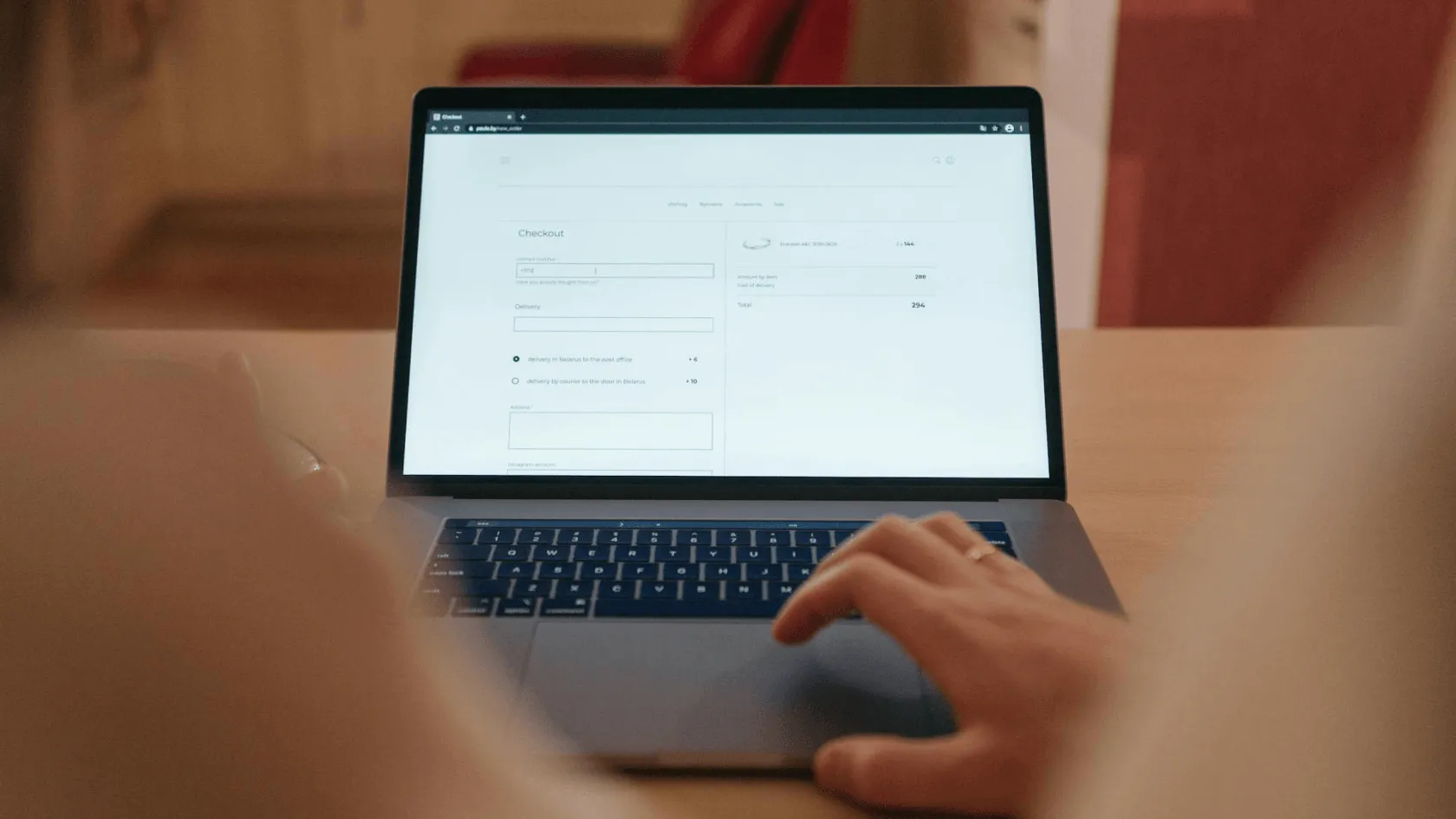
Web accessibility: one form suits all?
In our last accessibility post, we talked about colours, but today we will focus on web forms.
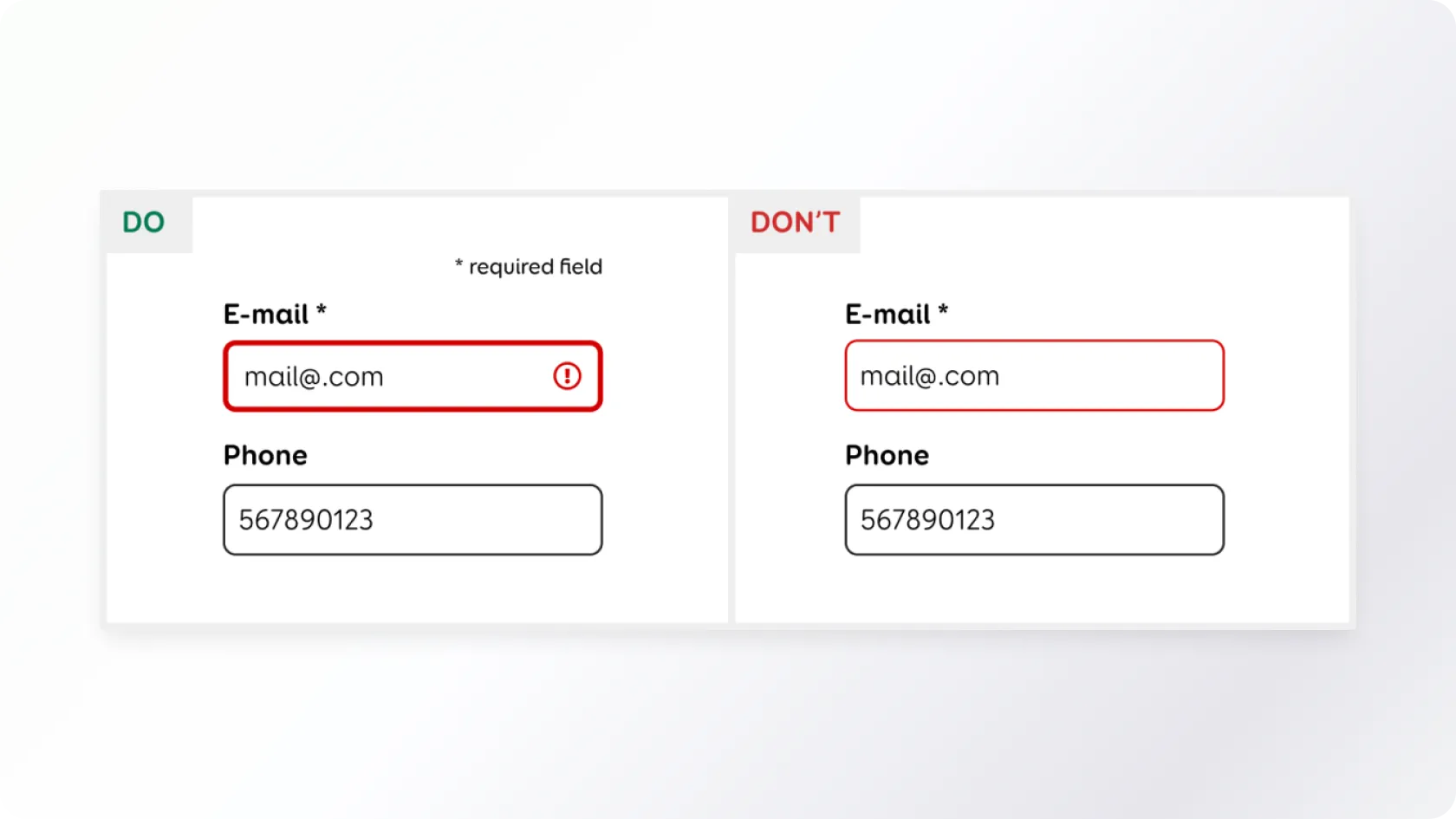
There are bigger or smaller web forms on almost every website, but a lot can go wrong with them. From the accessibility aspect, the form must be simple, understandable, and navigable with a keyboard (for example, for a person with motor impairment who is unable to use a mouse) as well as various assistive technologies, such as a screen reader (software that reads out everything that happens on the screen to a blind user). Let's see how to do that.
Conclusion
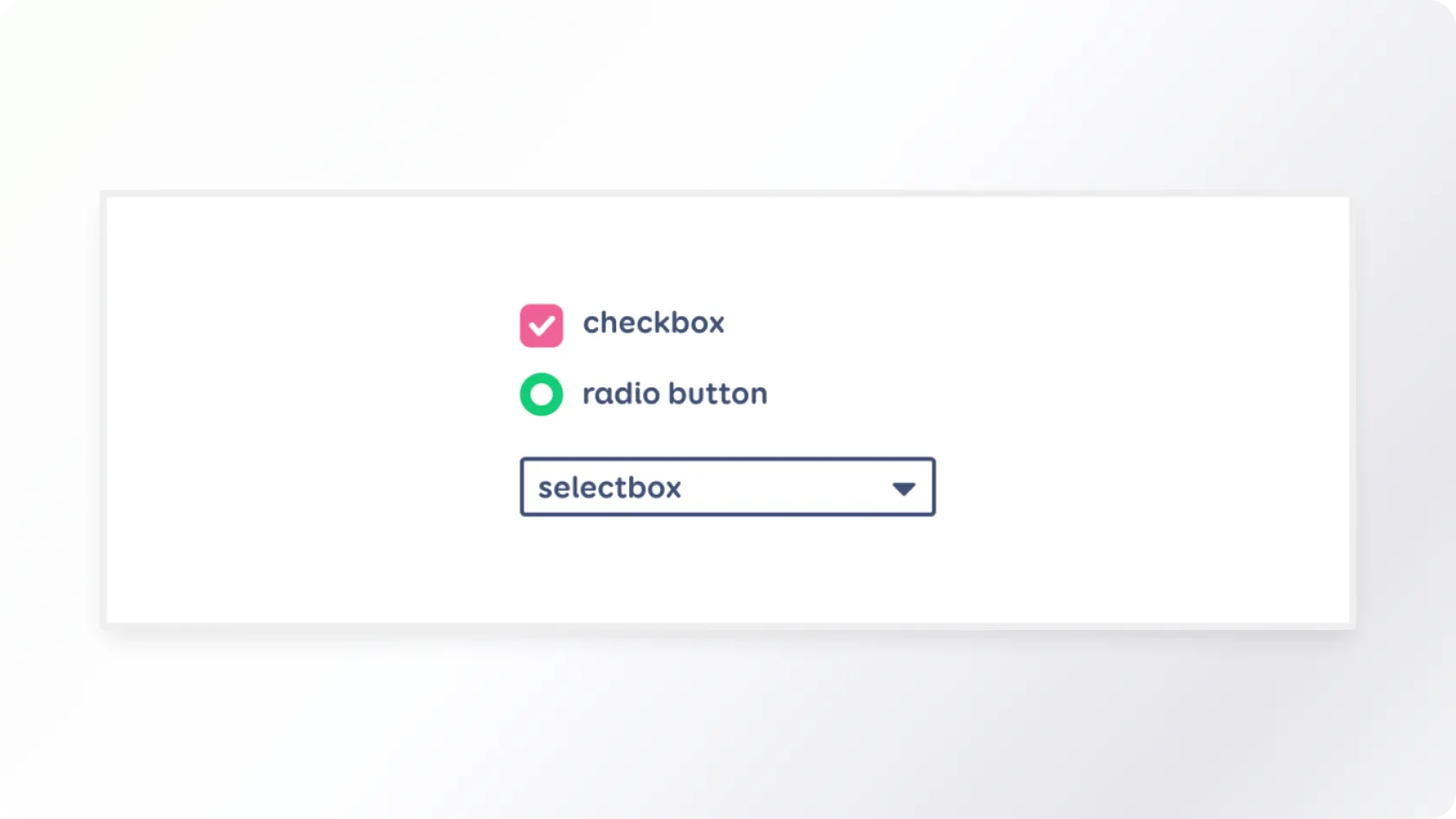
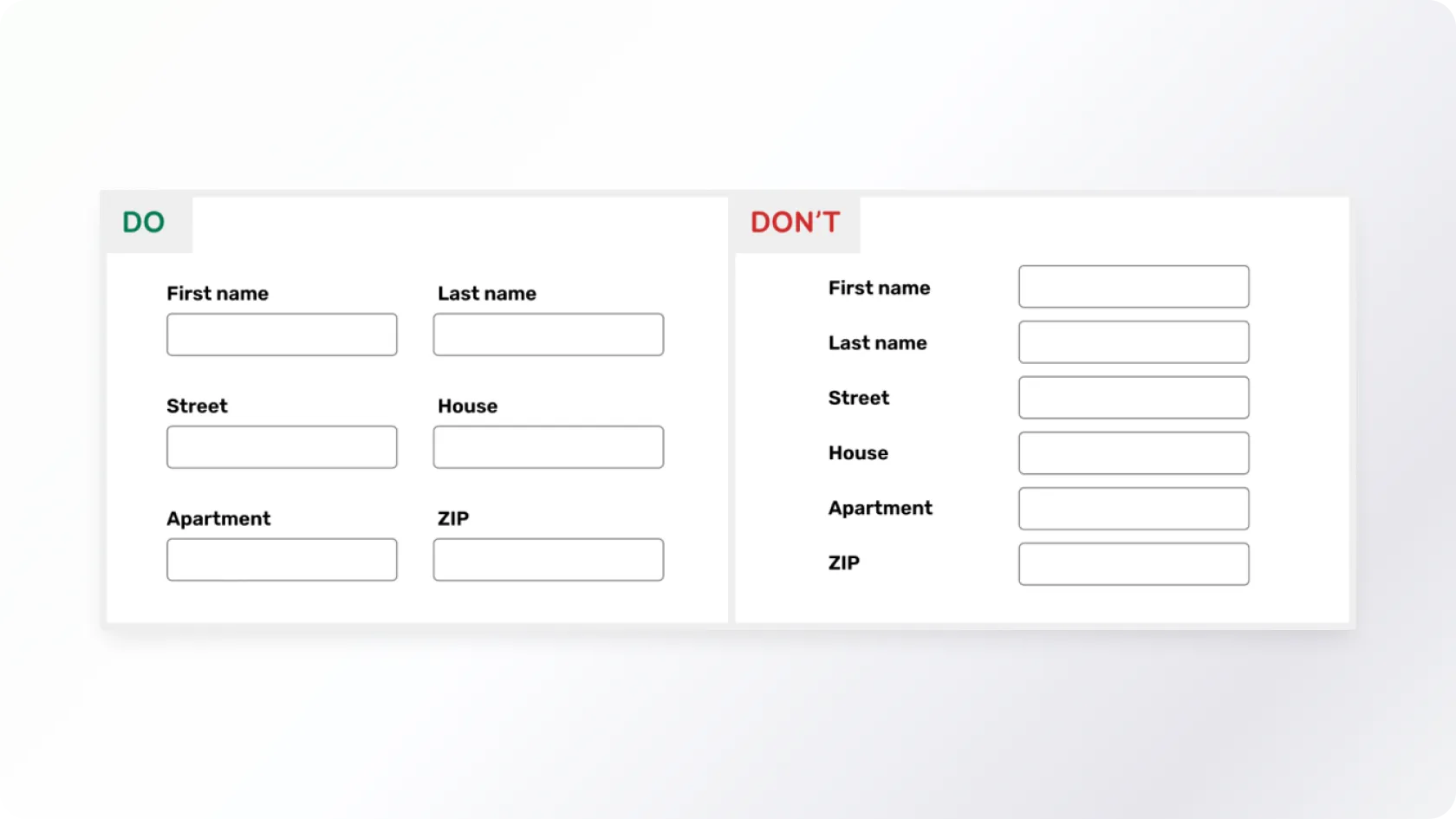
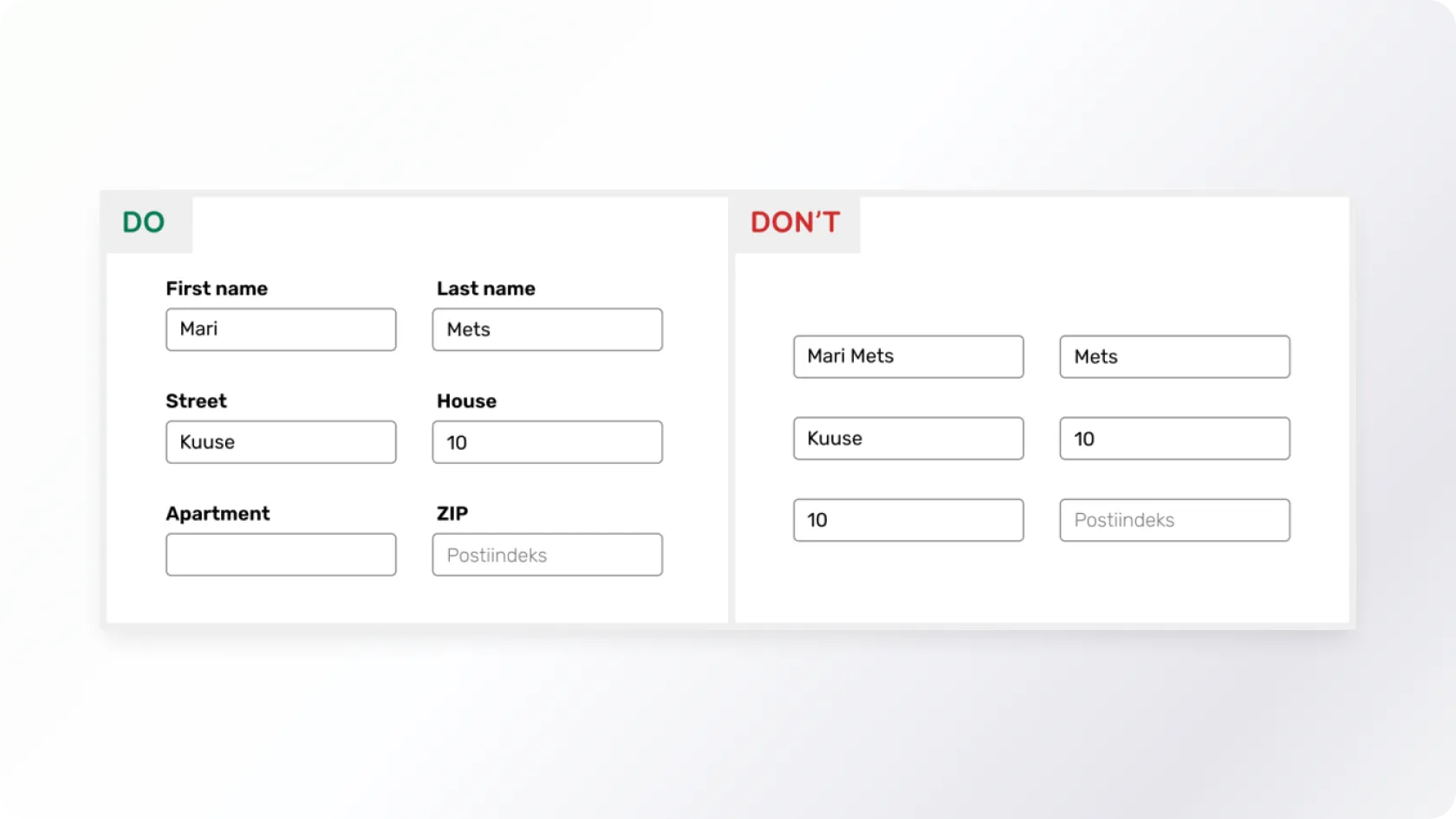
Forms can be found on almost every website, but they often contain various accessibility issues. It must be possible to navigate the form using the keyboard and assistive technologies. Filling the form must be made as easy as possible by writing clear labels for the fields, using different types of inputs, recommendations, autofill, and limiting the user's input when necessary.
More accessibility tips for front-end developers can be found here.
Would you like to discuss your ideas?
Book a free 30-minute accessibility consultation

Kadi Rosenthal
Accessibility Specialist
We will help you identify your accessibility needs, establish a clear plan for training or an audit and provide a concise overview of your website’s accessibility.