
8 Things You Didn't Know You Could Track with Google Tag Manager
Google Tag Manager (GTM) is a useful tool for facilitating the implementation of analytics tracking for web and mobile applications. Despite its popularity among marketers and web analysts, GTM is often underutilized, and some of its advanced features and capabilities remain undiscovered by many users.
In this blog post, we'll talk about 8 lesser-known metrics you can get with Google Tag Manager. They make it even easier to collect and analyse necessary data.
1. Video views
Did you know that Google Tag Manager can be used to monitor how users watch videos online and which actions they take? By setting up event tracking for video interactions (such as play, pause, stop, and stop), you can gain valuable information about which videos viewers like, how long they watch videos, what actions they take, and when they stop watching. They can provide data and information about content strategy, help optimise video content and length, and engage more people to watch videos.
2. File downloads
Tracking file downloads, such as PDFs, images, or software updates, is important to understand what information is most valuable to users. In GTM, it is possible to set event monitoring so that when and if files are downloaded from the user's website. By analyzing download metrics and other valuable data, content can be tailored to better meet user needs.
3. Clicks on outbound links
Do you know how many users click on links that lead off a website? With Google Tag Manager, you can track clicks from outbound links by setting up event tracking for specific URLs. Observe user behaviour to identify which external resources capture their interest. This information can be used to refine the linking strategy and add content pages, improving the visibility of the web page.
4. Scroll depth
To optimise user experience and content placement, it is important to understand how users interact with web page content as they scroll down the page. Google Tag Manager tracks scrolling depth by adjusting triggers based on scroll percentage or specific distances scrolled. Analysing scroll depth data can identify content topics or divisions that attract users' attention, identify high or frequently viewed areas, and make informed decisions to improve content visibility and engagement.
You can use GTM on a blog to track the depth of the content and understand which articles attract users' attention the most. Analysing this data can identify the topics being used and adjust the length of the content.
5. Form abandonment
Tracking form abandonment on web pages is important information for improving user experience. Form interaction (including field focus, input changes, and submission attempts) can be tracked with GTM to detect when users abandon the form completion process. This information can optimise form design, improve user experience, and increase form completion among users.
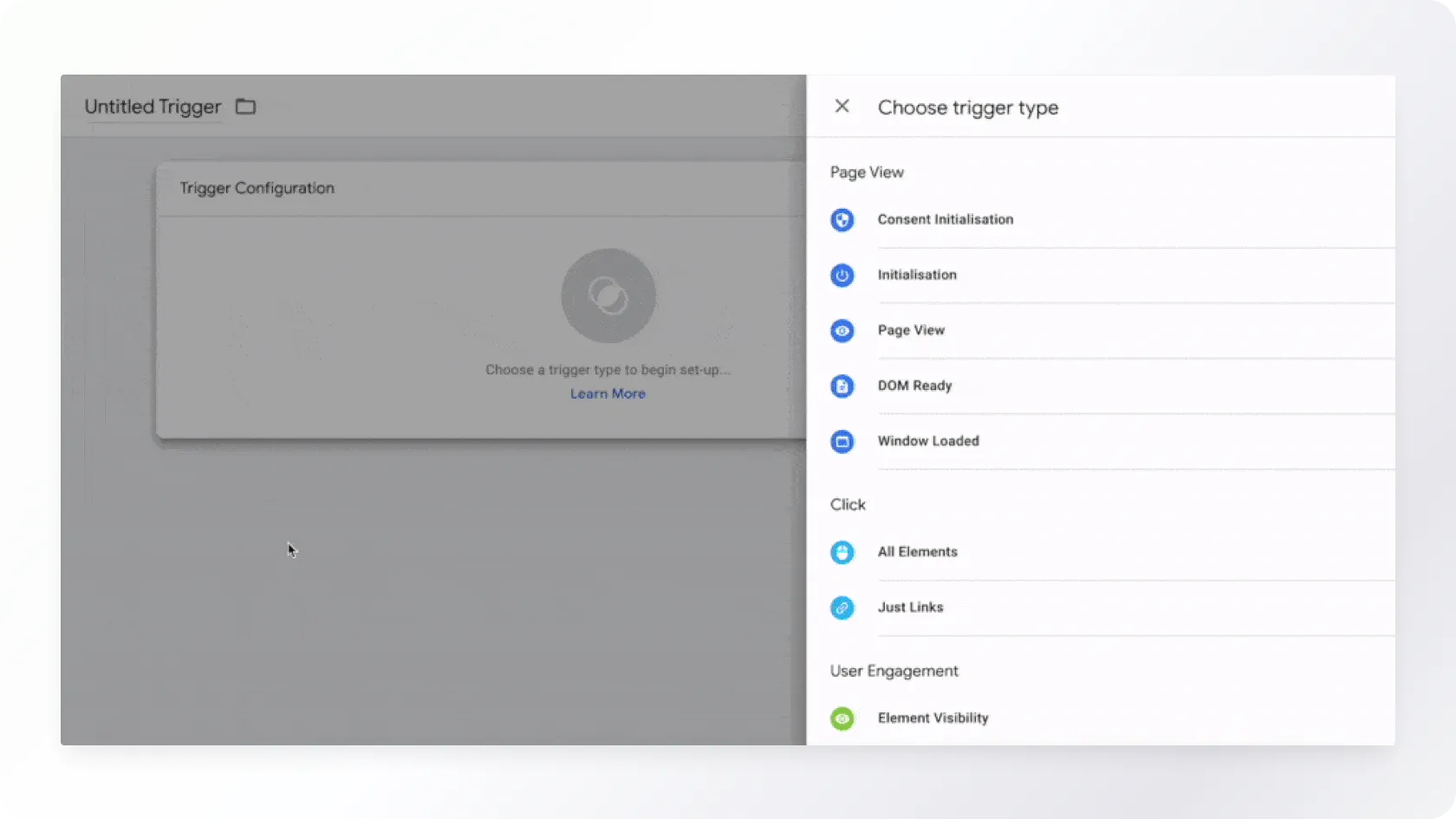
6. Monitoring user engagement using a heatmap
Visualising engagement on a web page can provide valuable information about how users interact with different elements. GTM can monitor user engagement heatmaps, i.e. the hottest and most viewed places on a web page, which allows visualisation of user interactions such as clicks, scrolls and movements.
An e-learning site platform can use heatmap tracking to identify high and low engagement areas of its course pages and optimise content placement.
7. Monitoring social media interactions
Social media interaction tracking by Google Tag Manager allows you to measure how users interact with social media elements on your website, such as buttons, share icons, and comment fields, without directing visitors to an external platform.
Let's say you have an article on your website that you want to share on social media. In addition to the standard share icon, you also want to track when visitors actually use the share button. Through GTM, you can create a tracking event that fires every time a user clicks on the share icon. This allows you to determine the number of shares generated for the article.
The same principle applies to tracking other social media interactions, such as likes or comments. It is useful to understand if and how users engage with the social media elements of a website so that you can better adapt your content strategy and increase user engagement.
8. Monitoring the use of internal search on the website
Tracking the use of on-page search using GTM allows you to get a comprehensive view of how visitors navigate the website and what topics or products they are searching for. This will enable you to better understand the target group's interests and adapt your content and product range to what visitors seek most.
With GTM, every time a visitor performs a search, the search terms entered by the user can be collected. This allows you to determine the most popular search terms and how often they are used.
Conclusion
Google Tag Manager offers plenty of options that can help you gain a deeper understanding of how website visitors behave and what they search for. While we've highlighted some of these features in this blog post, there are actually many other useful features worth discovering and implementing. In this way, it is possible to better understand your target group and their behaviour online.
Read more on Google Tag Manager and content engagement.
Trinidad Wiseman also conducts web usability measurements.
Would you like to discuss your ideas?
You can contact us at any stage of the project - from the development of the idea to the creation and evaluation of new digital solutions.

Get in touch
Write or call, and together, we will find the best way to bring your idea to life. We will reply shortly, and our experienced team will ensure that the project will succeed from the very first idea to the final execution.