How a leading global sports technology company improved its user experience
An accessible web or mobile app can be used by as many people as possible, with or without special needs. Accessibility improvements benefit everyone for example, clearer text colours make content easier to read, and well-structured headings help users find information more quickly.
With this in mind, a leading global sports technology company turned to our specialists. In addition to creating immersive experiences for fans and bettors, the company also safeguards sport by detecting and preventing fraud.
They asked us to evaluate the accessibility of their e-learning program, which focuses on athlete well-being. The program includes instructional videos on recognising warning signs and guidance on appropriate behaviour. After watching the videos, participants answer control questions and, if successful, receive a certificate.
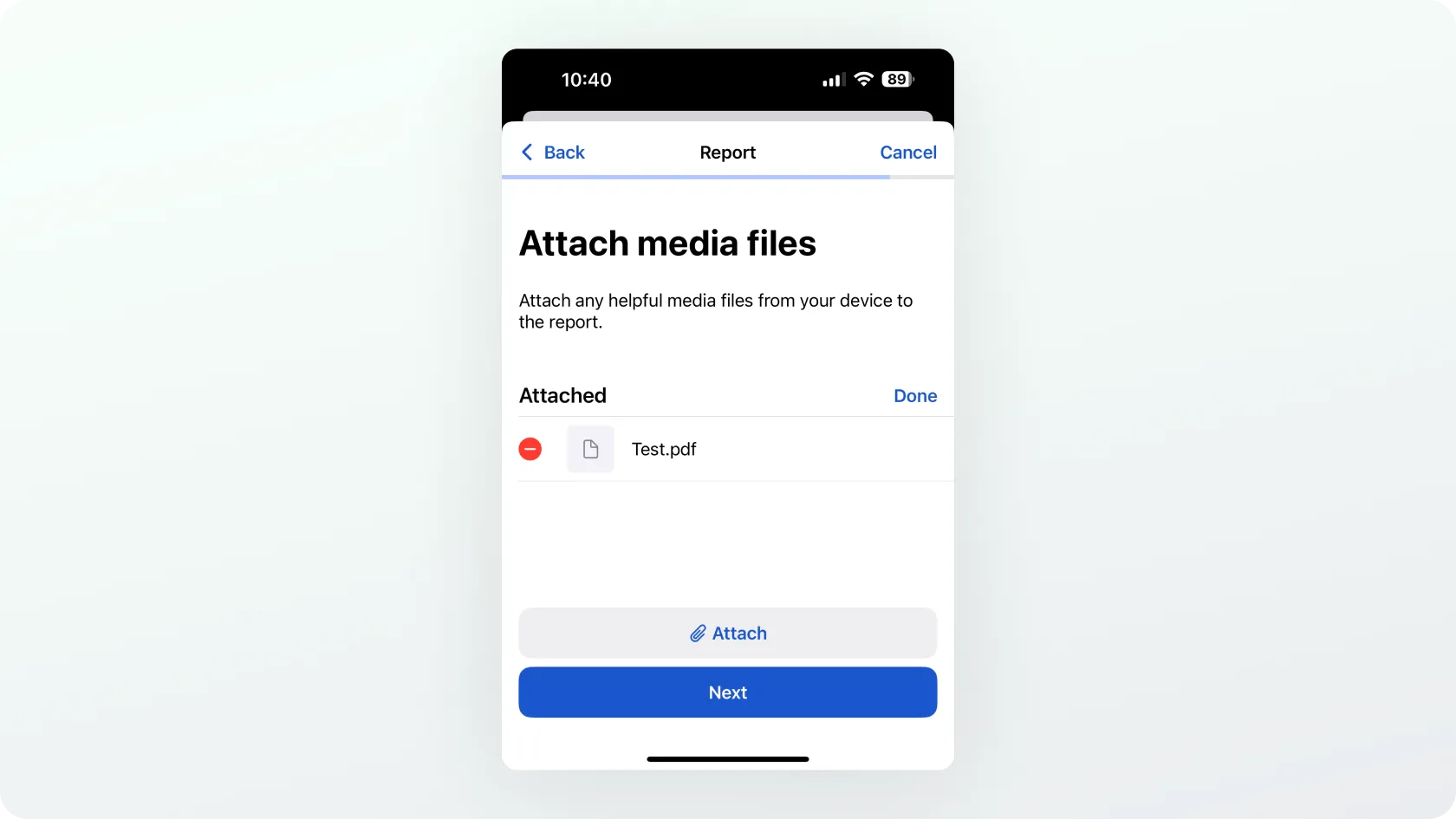
The company also wanted us to review the accessibility of its mobile application for both Android and iOS. Through the app, users can submit reports of misconduct in sport, such as corruption, bribery, or gambling addiction.
At Trinidad Wiseman, we focus on analysing and improving the accessibility of digital environments to ensure they are usable for the widest possible range of users. Our services include accessibility audits, user testing, training, and consulting.
How accessible is the environment?
To determine accessibility, websites and mobile apps must be tested. This is done against the Web Content Accessibility Guidelines (WCAG) and/or the European standard EN 301 549, which incorporates WCAG 2.1 AA requirements. For this project, we tested the sports technology company’s environments against EN 301 549 as well as the updated WCAG 2.2 AA requirements.
How is accessibility tested on websites and mobile apps?
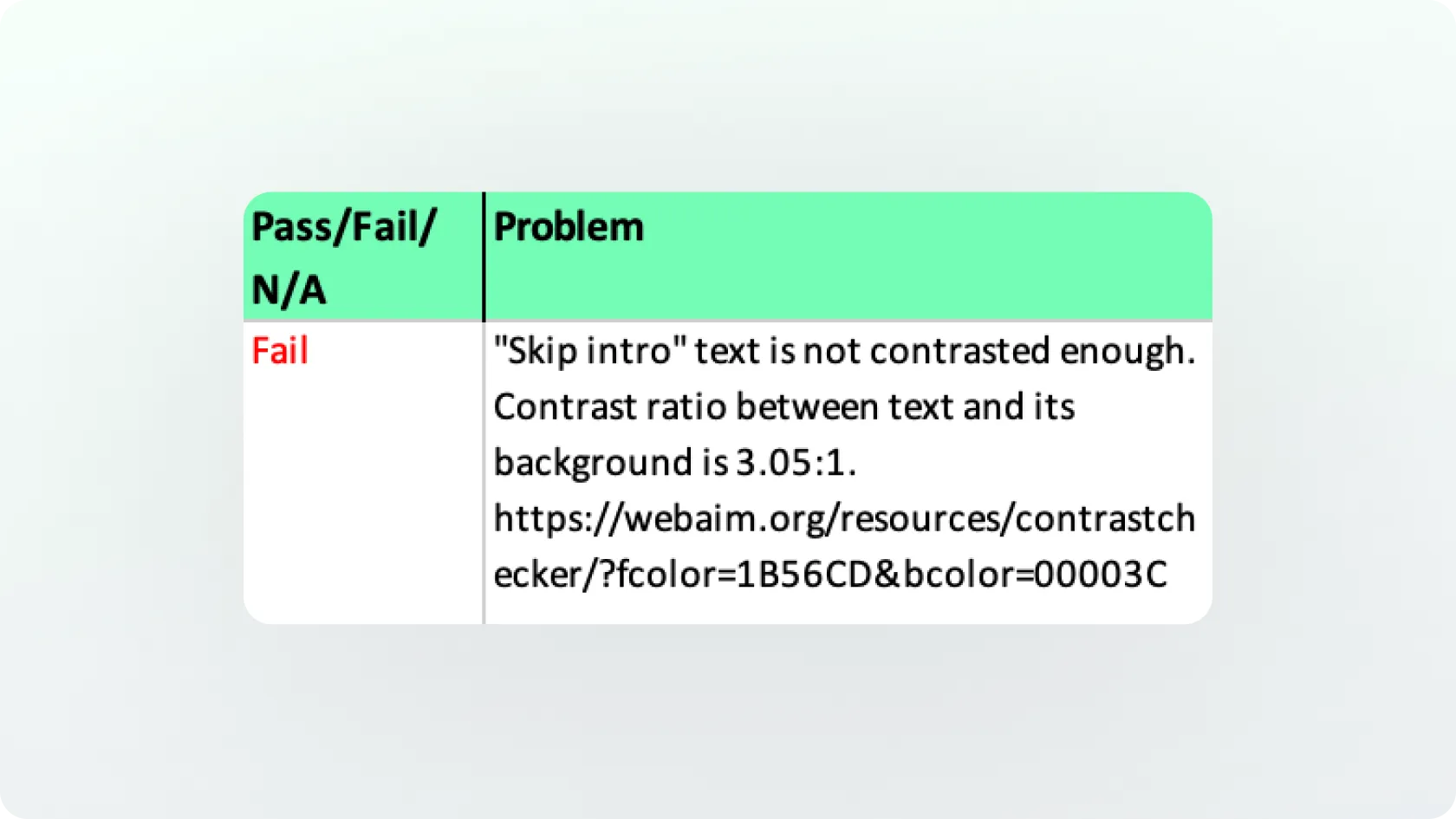
Part of accessibility testing involves automated tools. For example, the WAVE Evaluation Tool can identify issues such as insufficient text contrast.
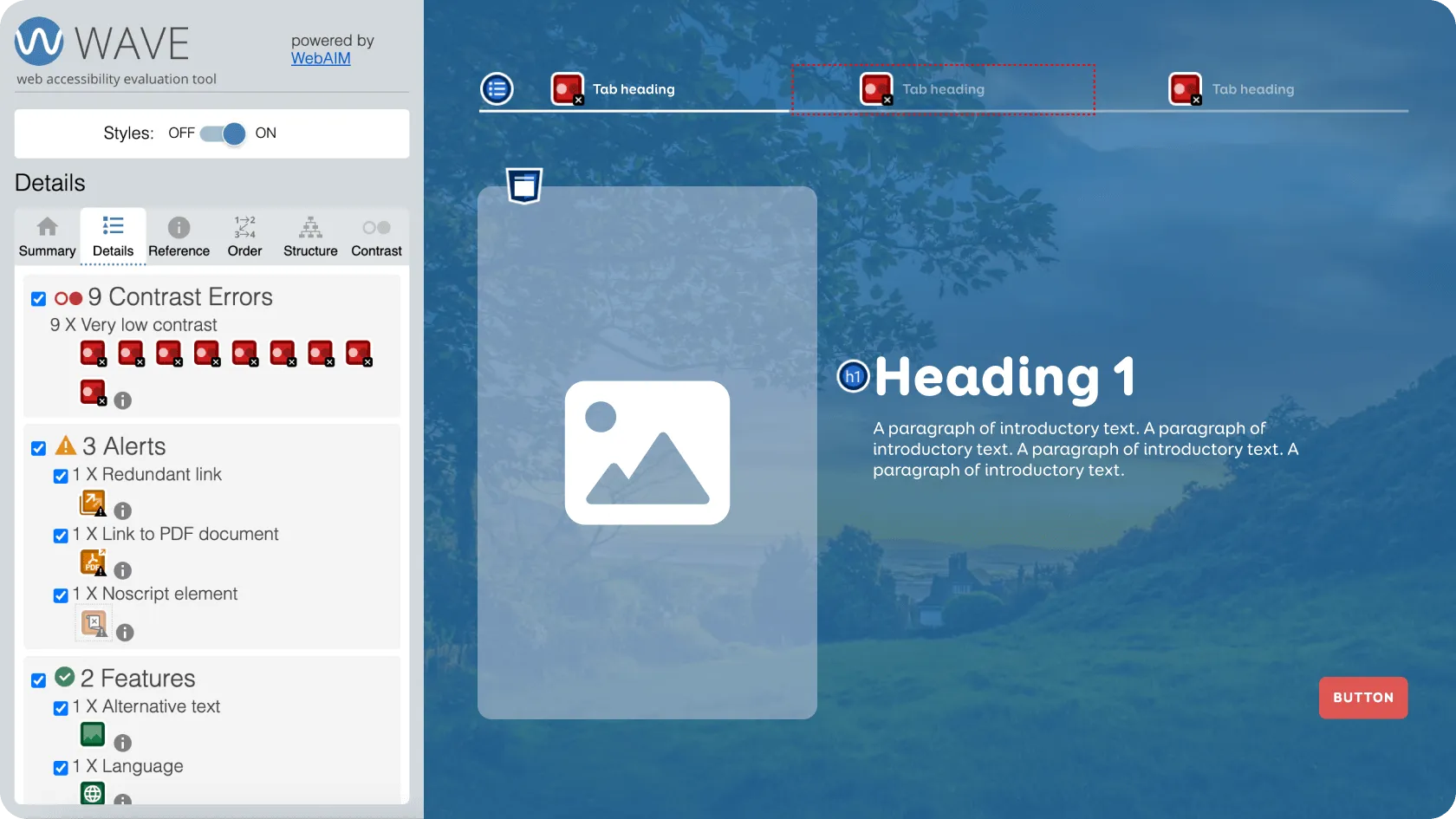
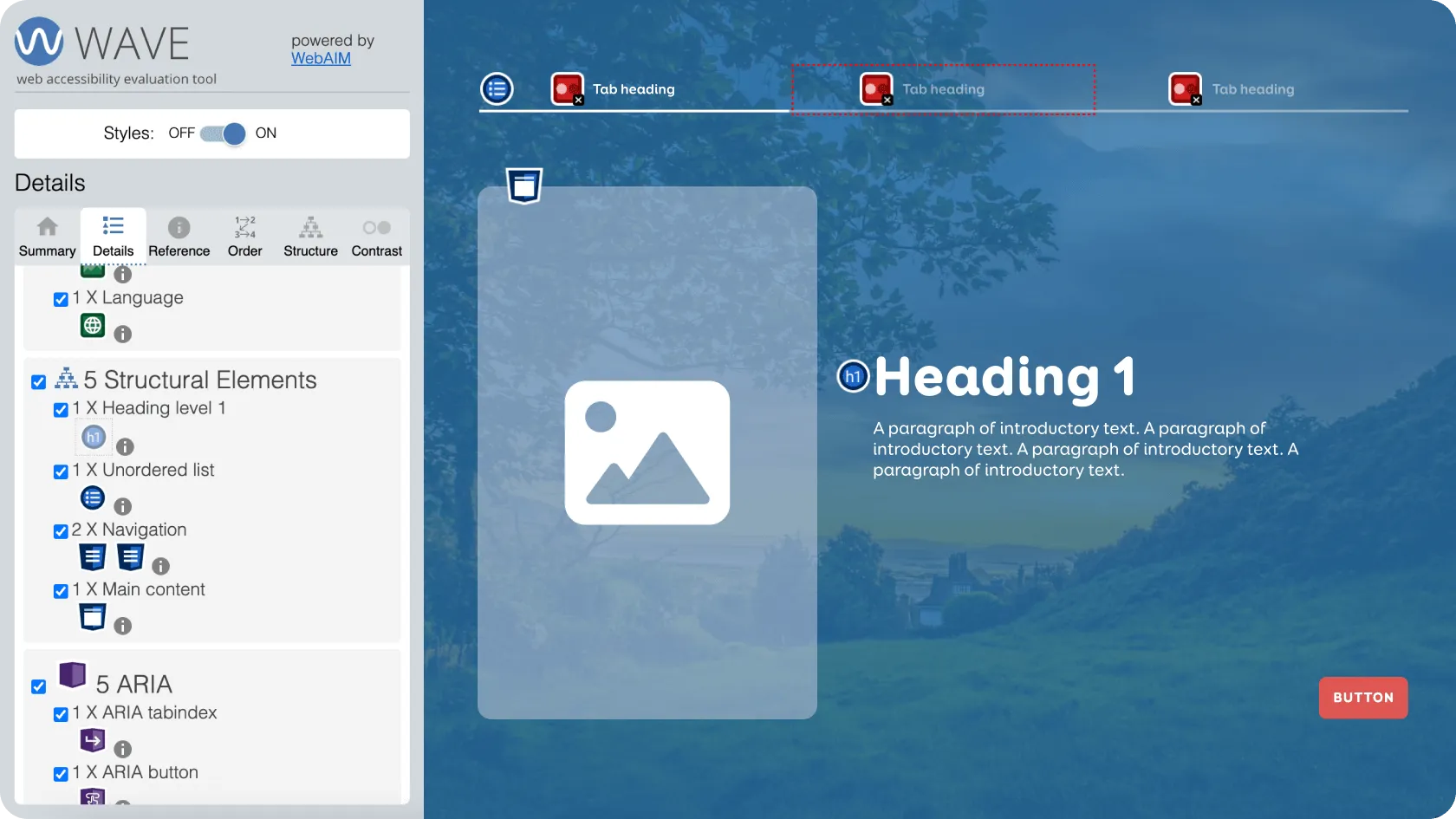
These tools can also check the page structure: whether lists, tables, and navigation elements have been coded correctly, and whether heading levels follow a logical hierarchy without being skipped.
For the client’s e-learning program, we used WAVE to test text and user interface contrast, as well as page titles. We also used Adobe Acrobat Pro to test PDF documents, verifying whether titles were added, the document language specified, and other accessibility features.
However, automated tools alone are not enough, as they cannot detect every issue. Read more about the comparison between automated and manual testing in our previous blog. Accessibility testing must also involve manual methods, using a keyboard, mouse, screen readers, and voice commands.
A screen reader is a program that reads aloud the content on the screen, enabling blind or visually impaired users to access the information. It indicates whether text is a heading or a list and reads out images when they have descriptive alternative text.
For the e-learning program, we tested the desktop version with:
- NVDA screen reader (Windows) with Firefox.
- JAWS screen reader (Windows) with Chrome.
- VoiceOver (macOS, built-in) with Safari.
Since the program can also be completed on mobile, we tested it with:
- TalkBack (Android, built-in) with Chrome.
- VoiceOver (iOS, built-in) with Safari.
For the mobile app, we used TalkBack and VoiceOver, as well as voice commands (Voice Access on Android and Voice Control on iOS) to check whether users could perform actions such as pressing buttons (“Click login”) or entering text into fields by voice.
We also connected a physical keyboard via Bluetooth or cable to navigate with Tab and arrow keys and activate elements with Enter or the space bar. In addition, we evaluated the overall structure, colour contrast, and behaviour when system-level text size and contrast settings were changed.
The project work was divided into six stages
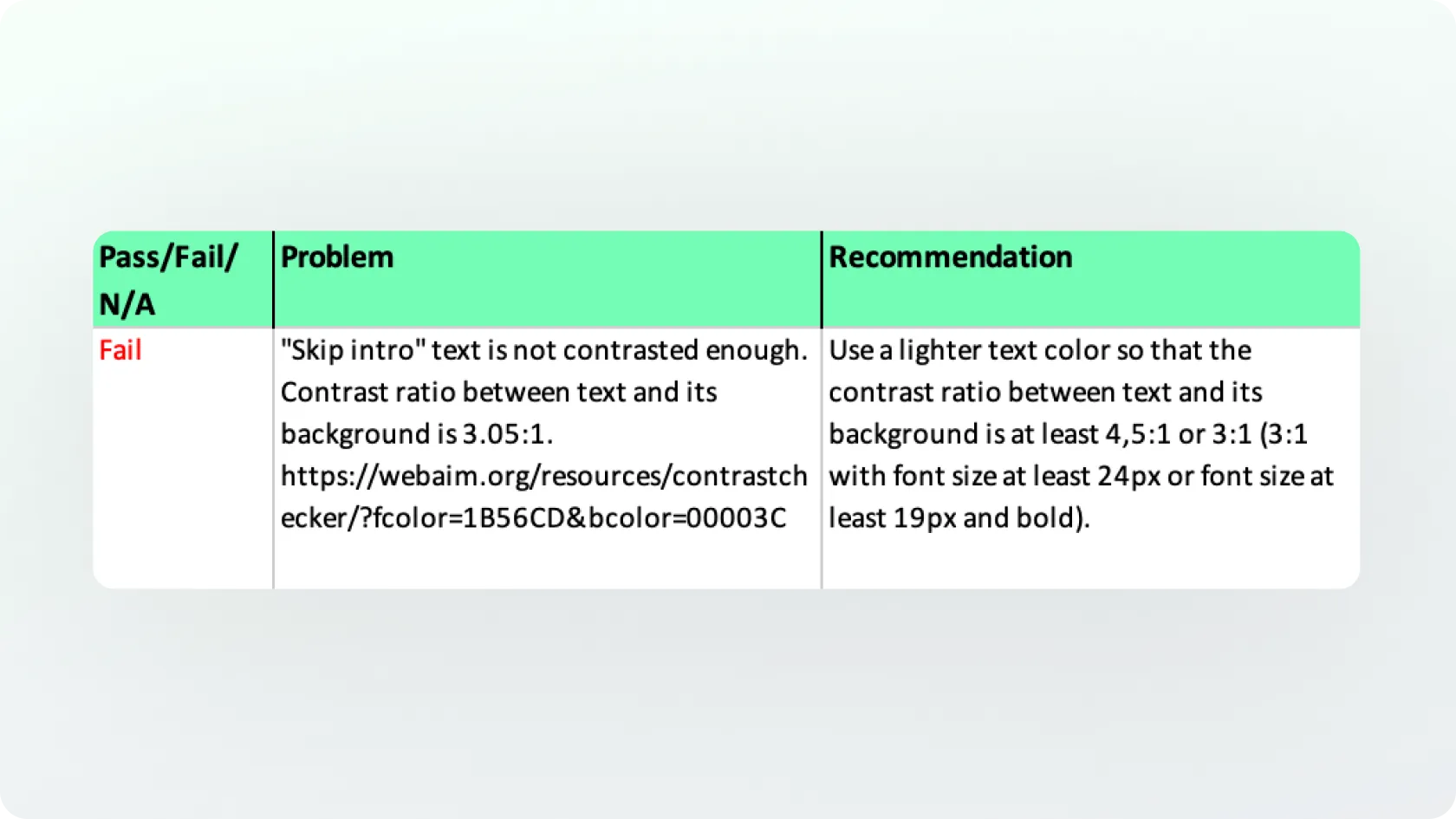
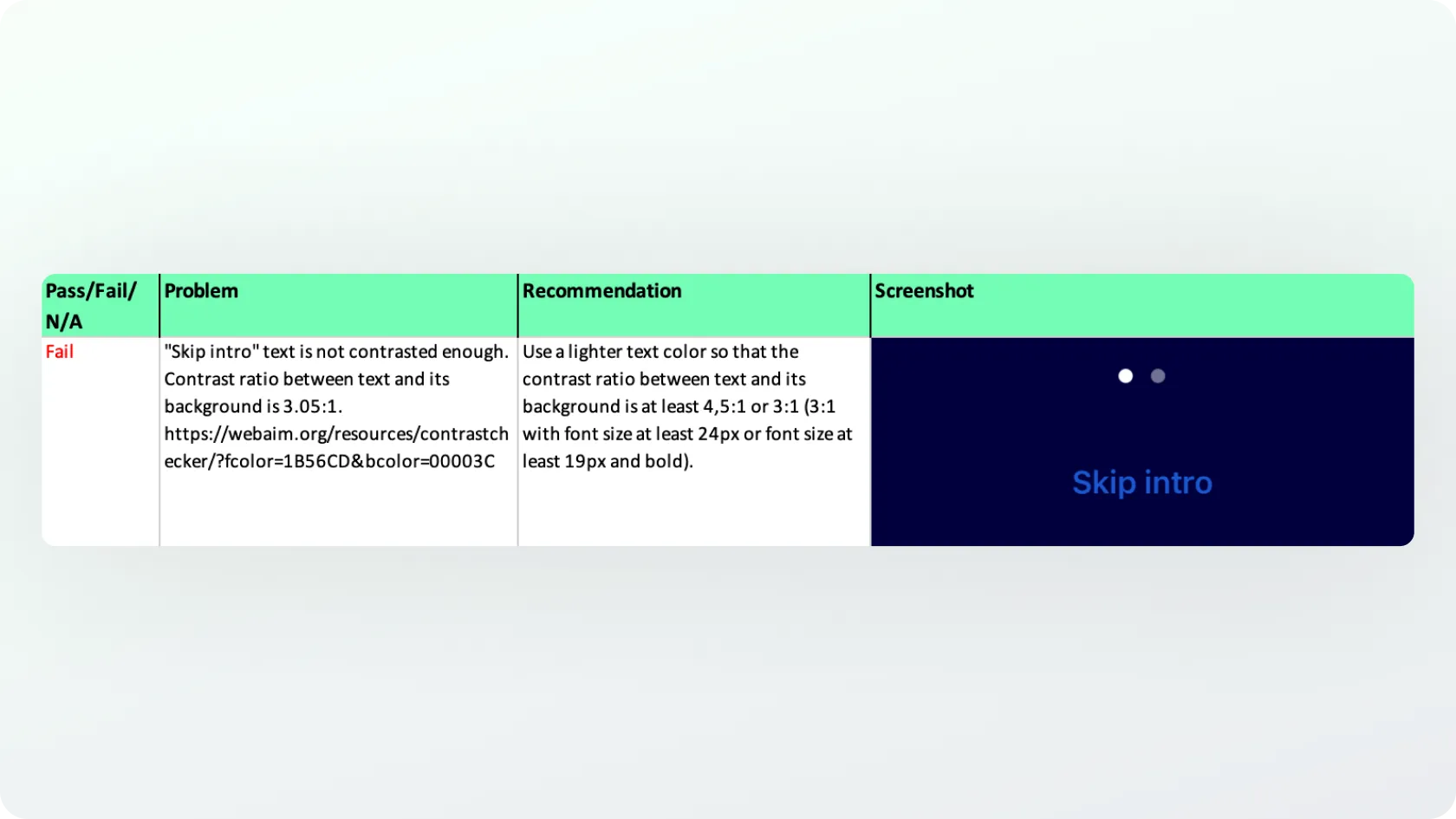
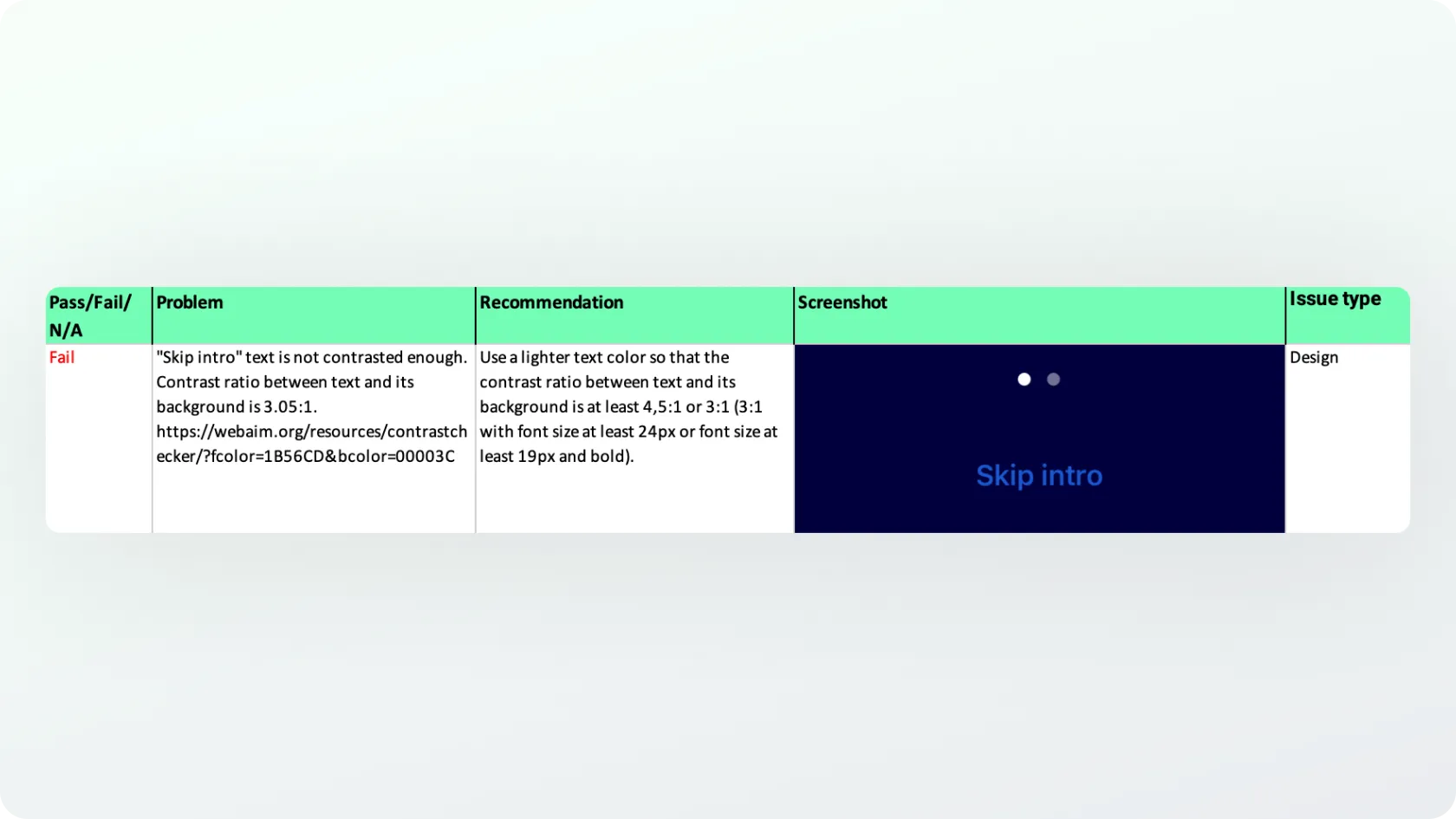
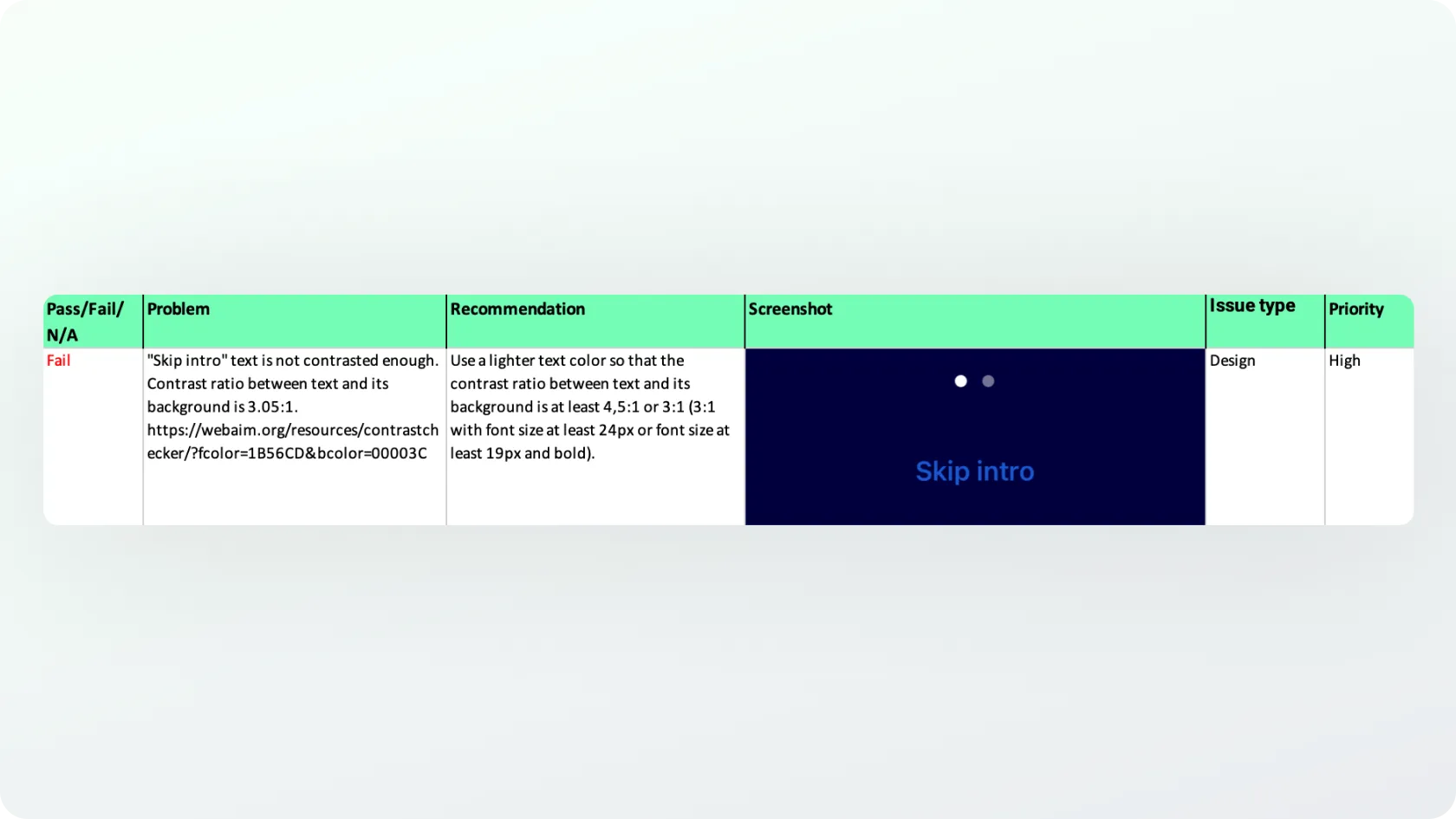
Risk mitigation methodology
The project plan and scope were carefully designed, ensuring a realistic schedule and pace for testing. Nevertheless, it is important to set clear milestones for the team performing the work. Without them, there is a risk that tasks may be delayed until just before the deadline, creating unnecessary stress and jeopardizing delivery.
In this project, the risk was mitigated by providing monthly progress summaries. These updates allowed us and the client to track whether the work was proceeding as expected and within the agreed timeframe. We also shared summaries with the client's team to maintain transparency.
Conclusion
In collaboration with the sports technology company and Trinidad Wiseman's development team, we improved the accessibility of their e-learning environment and mobile apps so that as many people as possible can use them, thereby helping to make sport fairer.
Because the client’s team addressed issues continuously alongside our testing, people with special needs can now also learn the principles of fair sport through the e-learning program, recognise warning signs, and report cases of dishonesty in sport via the mobile application.
As an added benefit, several developers and designers both in Estonia and internationally are now more aware of accessibility and how to design and develop accessible websites and applications.
Would you like to discuss your ideas?
Book a free 30-minute accessibility consultation

Kadi Rosenthal
Accessibility Specialist
We will help you identify your accessibility needs, establish a clear plan for training or an audit and provide a concise overview of your website’s accessibility.