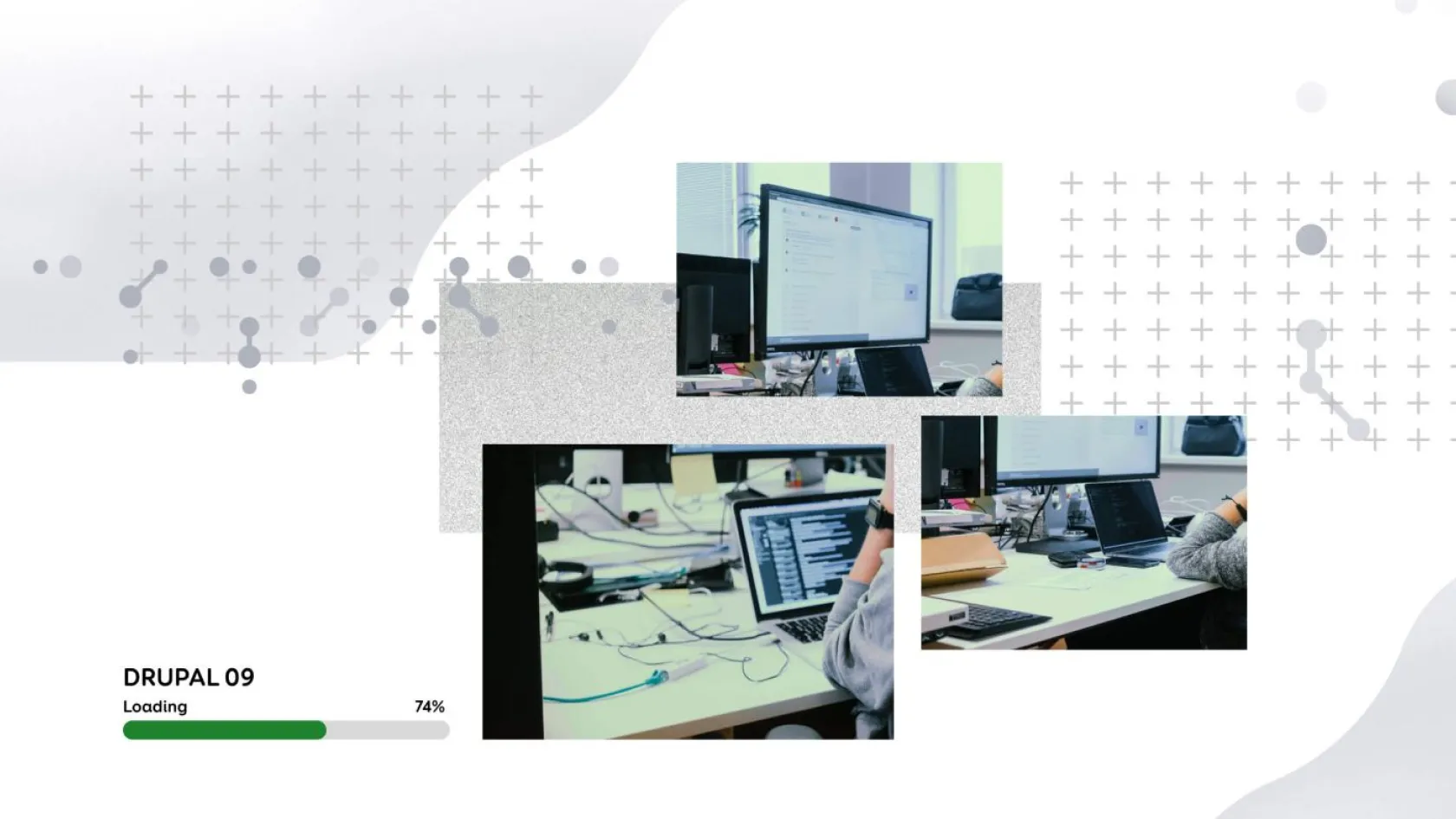
The challenges and opportunities of upgrading to Drupal 9 in practice
Drupal 7 is the most widely used version of Drupal. However, as of now, the Drupal community has been informed that November 2023 will be the official end of life for Drupal 7, which means that the free security updates will end, and the development of additional modules for Drupal 7 will also stop. Now is the right time to start planning the version upgrade to avoid unexpected budget lines and surprises regarding the scope of work.
Our senior developer Ragnar Punak and project manager Peeter Ossip talk about why there is no way out of the software upgrade and give examples and advice on what to consider when switching from Drupal 7 to Drupal 9.
Why is it important to upgrade from Drupal 7 to 9?
It is often believed that development companies push their additional services in the form of innovations. But actually, it is a natural part of the software development life cycle.
We recently wrote in our software maintenance article that the work is not over even if your website or information system is fully developed. Figuratively speaking, you cannot leave the software on the shelf - regular maintenance (including updates) is especially critical from the security point of view.
Examples of problems with out-of-date software: one of our customers wanted to use the test server with the same PHP version - he had one application on Drupal 7, and the other on Drupal 9. It is known that Drupal 9 - as a higher version - also requires a newer version of PHP, and the client experienced problems. In the case of an online store, interfaces with databases or additional modules (e.g. Facebook module, inventory and accounting programs, etc.) may no longer work.
Speaking of custom modules, they lack support from the Drupal community and support is provided by the specific developer. It can also happen that a custom module can become a public contributed Drupal module.
One might think that cybercriminals are eagerly awaiting the end of Drupal 7. A striking example of how quickly and seriously the situation can become for non-updated pages was the discovery of a security risk nicknamed "Drupalgeddon" in October 2014.
"Postponing is increasing the technical debt."
- Peeter Ossip
Perhaps the client hopes to save money by staying on Drupal 7; unfortunately, it will not work that way. For a while, the developer can patch the old version. However, if you consider the additional developments made as a custom solution, it makes more sense to consider this cost in your budget and upgrade to a higher version at the right time.
Are there alternatives if there is no immediate budget?
As said, when the end-of-life date falls, nothing will most likely happen immediately. However, it is important to understand how not updating will affect your website or information system long-term.
Smaller problems accumulate on an ongoing basis, creating a snowball effect. Suppose the matter is critical at some point, and it is necessary to save the software quickly. The timing may be unsuitable for the client (for example, a Christmas campaign), or the development team may not have the resources at that moment. We recommend planning the version update well in advance to avoid such a situation.
There are alternatives, but they are certainly not sufficient, and we do not recommend relying on them:
- the possibility that the end of life will be postponed once again;
- paid security updates provided by third parties (not the Drupal community);
- increase security by blocking or hiding things/functionalities on the server side.
Upgrading from Drupal 7 - what changes?
For users (administrators)
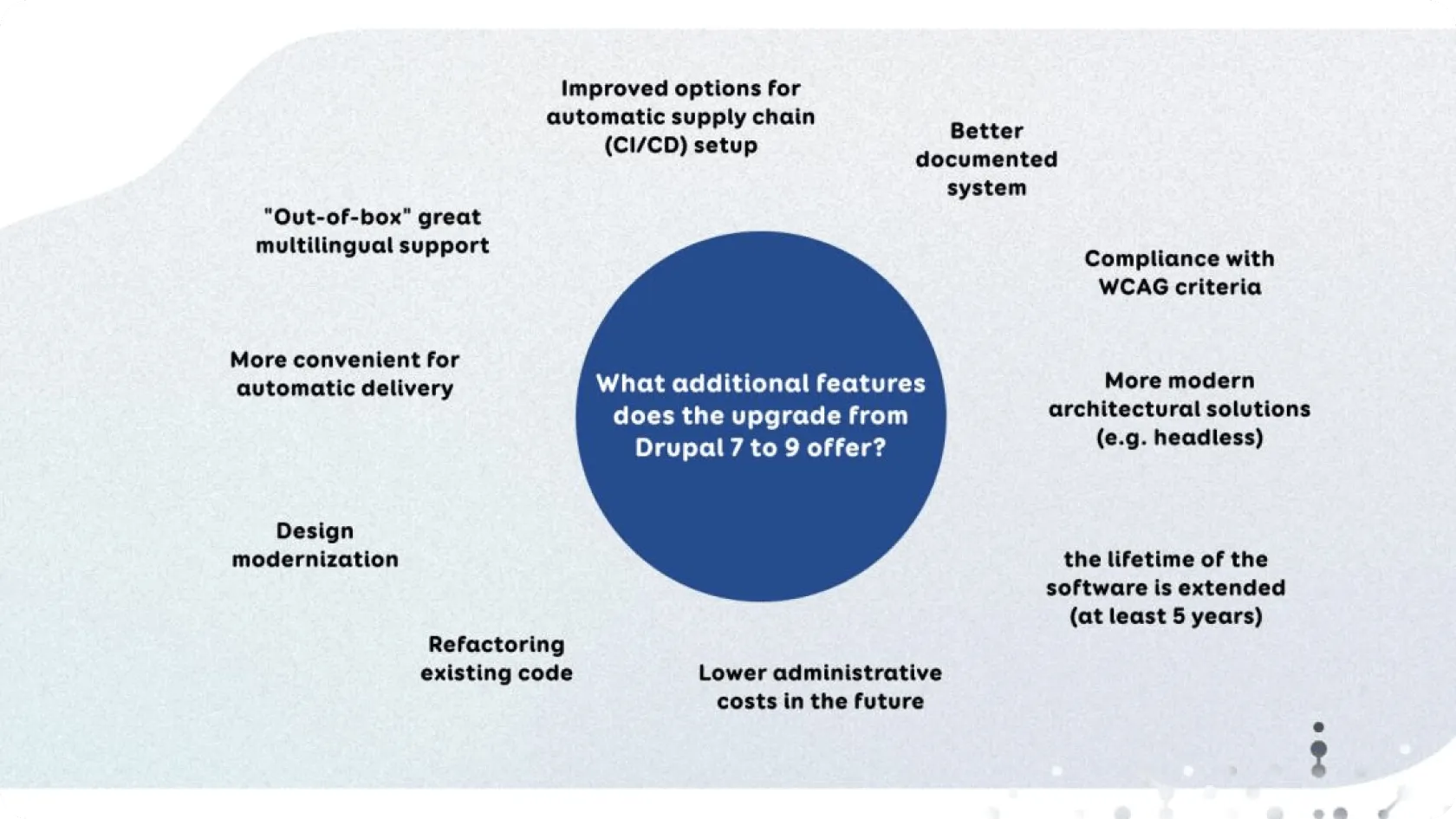
Overall, the Drupal 9 administration interface looks very similar to 7. Probably the most significant change for users is that it is now recommended to use the Media Library for file management, where, unlike previous versions, uploaded files are reusable. You can also add fields (additional descriptions, metadata) to them. It is easy to learn how to use the Media Library.
For the user, the update from Drupal 7 to 9 can be compared to the Windows update, where everything is more convenient and better after the update, but it may take some time to get used to. In most cases, administrators don't even need training. For end users, i.e. web visitors, nothing significant will change.
There are more changes for developers
The most significant change for developers is that starting with version 8, Drupal is partially based on Symphony's PHP framework. While in Drupal 7 the code was rather procedural, in higher versions, an object-oriented approach is used.
In addition, the template engine also changed (Twig came instead of PHPTemplate), meaning all the template files must be converted.
Composer, the popular PHP dependency manager, can be used to manage the Drupal core and additional modules. Composer allows the application and the libraries/add-on modules required for its operation to be automatically installed and updated.
Configuration management has also changed. It is possible to export and import settings made in the Drupal administration interface, which were previously only in the database, in the form of files. This, in turn, means that the configuration can also be versioned in addition to the code.
Combined with the capabilities of Composer, it is very helpful in setting up modern and convenient deployment pipelines (CI/CD). Based on the environments (test/staging/production), it is now very easy to set the desired features that are taken into account during automatic deployment.
Moving old site content from one Drupal version to another is quick. It takes more time to update tailored modules. In addition, the time consumption may increase if there are modules in use that the community has not yet updated to be compatible with Drupal 9. In the worst case, the entire solution has to be redone for some "abandoned" modules.
"When planning a software upgrade, we recommend considering the need for a facelift (updating the design)."
- Ragnar Punak
For the client, we would see the greatest opportunity and "tangible" benefit in the last point. Since the Drupal 7 website is probably quite a few years old (and the design may not be so modern anymore), it would be rational to update the design and transition to the new Drupal together. It requires a little more work, but it would be a better use of the resource, and the page would also have a more visually modern final result.
4 main challenges we have faced
What’s next, is it a new innovation and a new investment every year?
The transition from Drupal 6 to 7 was quick and easy, but the upgrade from 7 to 9 was done on a large scale to avoid having such large-scale transitions in the future.
One thing is certain - no one is immune to software updates. Drupal is not the only one, and users of other platforms will also need to upgrade. Our recommendation is to see how to get the maximum benefit from the innovations - both in the form of a more convenient development process, greater security and a better customer experience.
Would you like to discuss your ideas?
You can contact us at any stage of the project - from the development of the idea to the creation and evaluation of new digital solutions.

Get in touch
Write or call, and together, we will find the best way to bring your idea to life. We will reply shortly, and our experienced team will ensure that the project will succeed from the very first idea to the final execution.